

TL;DR:
- TubeBuddy is the strongest vidIQ alternative, covering all four of vidIQ’s main gaps: A/B testing, retention analysis, bulk tools, and accessible pricing
- For channels under 1,000 subscribers, TubeBuddy Pro is $12/mo on an annual plan with 50% off available — making it one of the most affordable full-featured options
- Morningfame and CRAIDE are solid picks for creators who need basic keyword research on a tight budget
- Tubular Labs and tubics are built for agencies and enterprise channels — overkill for most individual creators
- SocialBlade is useful for cross-platform analytics but won’t help you optimize your YouTube content
If you’ve been using vidIQ and something’s not quite clicking, you’re not alone. It’s a capable tool and can help with keyword research and SEO, but it has some real gaps that frustrate creators who want a more complete workflow.
The four most common VidIQ complaints:
- No native A/B testing tool. Testing thumbnails and/or titles requires using other tools, creating friction and splitting analytics focus.
- No built-in retention analysis. vidIQ sends you back to YouTube Studio for retention data rather than surfacing it inside the tool itself.
- Limited bulk processing tools. Updating descriptions across 50 videos, or cleaning up spam comments channel-wide, means doing it manually.
- Pricing that scales steeply. vidIQ’s entry-level plans are accessible, but the higher-tier plans can feel expensive relative to what individual creators actually need.
This article covers seven vidIQ alternatives: what each one does well, where it falls short, and which type of creator it’s best suited for. TubeBuddy is listed first because we believe it’s the strongest overall replacement. That said, we’ll provide an honest overview of every option. And you do have options.
The best vidIQ alternatives?
- TubeBuddy
- Morningfame
- tubics
- Vudini
- Tubular Labs
- CRAIDE
- SocialBlade

Get an unfair advantage on YouTube
Give your YouTube channel the upper hand and easily optimize for more views, more subs, and more of every metric that matters.
Get Started
TubeBuddy covers more ground than any other tool on this list and it’s the only alternative here that directly addresses vidIQ’s four core shortcomings. TubeBuddy offers native A/B testing, built-in retention analysis, extensive bulk processing tools, and after you graduate from TubeBuddy free, pricing that starts at $12/mo on an annual plan. If you’re switching from vidIQ and want to land somewhere rather than bounce between tools, TubeBuddy is the most direct upgrade.
If you want a detailed head-to-head between TubeBuddy and vidIQ including features, pricing, and which one wins in each category, check out our full TubeBuddy vs VidIQ comparison.
Using TubeBuddy’s browser extension, you get keyword research, bulk editing, A/B testing, and analytics all in one place, right in YouTube Studio. The real-time optimization feature tracks changes you make to your videos and shows you how quickly performance shifts. This is powerful insight to help creators understand what’s actually working and what isn’t.
Where TubeBuddy differs from vidIQ:
- Keyword research tools — Keyword Explorer gives you search volume, competition data, and relevance scores to help you pick titles, descriptions, and tags that surface in search
- Bulk processing — update metadata across your entire channel, delete a spammer’s comments in one click, or append new info (like a new social link) to every description at once
- Audience engagement tools — canned responses for frequently asked questions, bulk comment export, and spam filtering
- A/B testing and retention analysis — This flagship feature addresses the most significant gap in vidIQ’s offering
TubeBuddy’s main features
SEO and keyword research
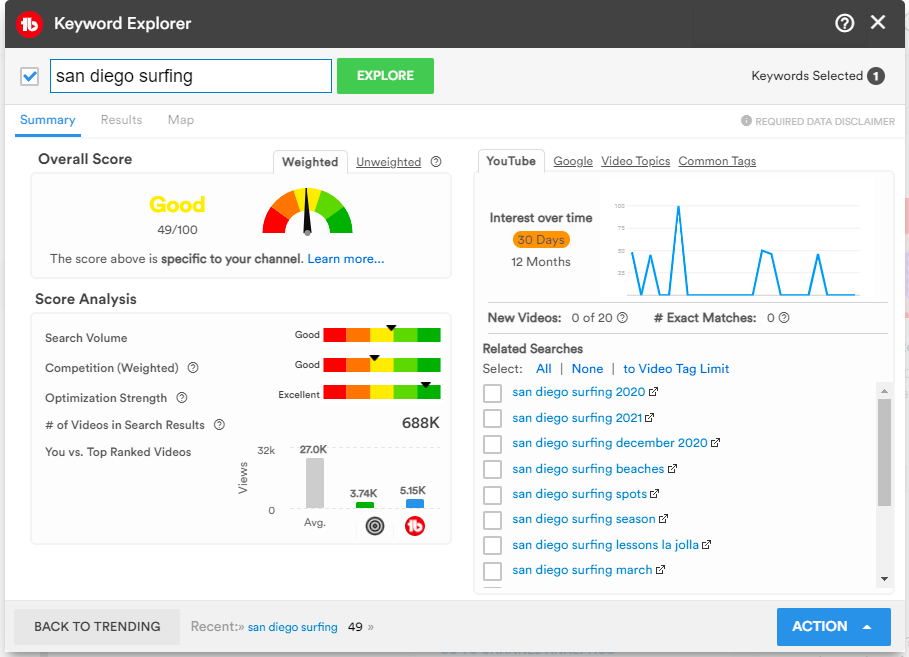
TubeBuddy’s Keyword Explorer gives you search volume, competition level, and keyword relevance in one view. You can identify which terms are worth targeting, then apply them directly to your titles, descriptions, and tags. There’s also a tag research tool that helps YouTube’s algorithm understand your content and surface it to viewers who are genuinely interested in the topic.
Bulk Delete Comments
Got a spammer hitting every video on your channel? Bulk Delete lets you wipe a specific user’s comments across your entire channel in a single action. The alternative — hunting them down and deleting them one-by-one, doesn’t bear thinking about.
Bulk Find, Replace & Append
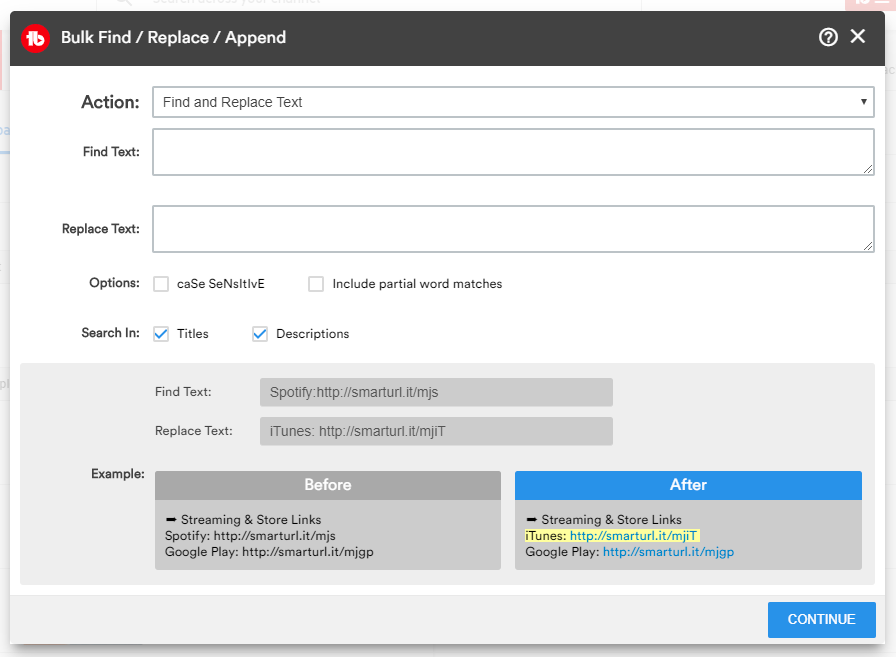
Makes channel-wide description edits fast. Whether you’re adding a new social profile, swapping a broken link (e.g. the ever-changing Amazon affiliate code), or updating a product reference, you can push the change across all your videos at once.
A/B testing tools
Watch our quick video about TubeBuddy’s A/B testing tool.
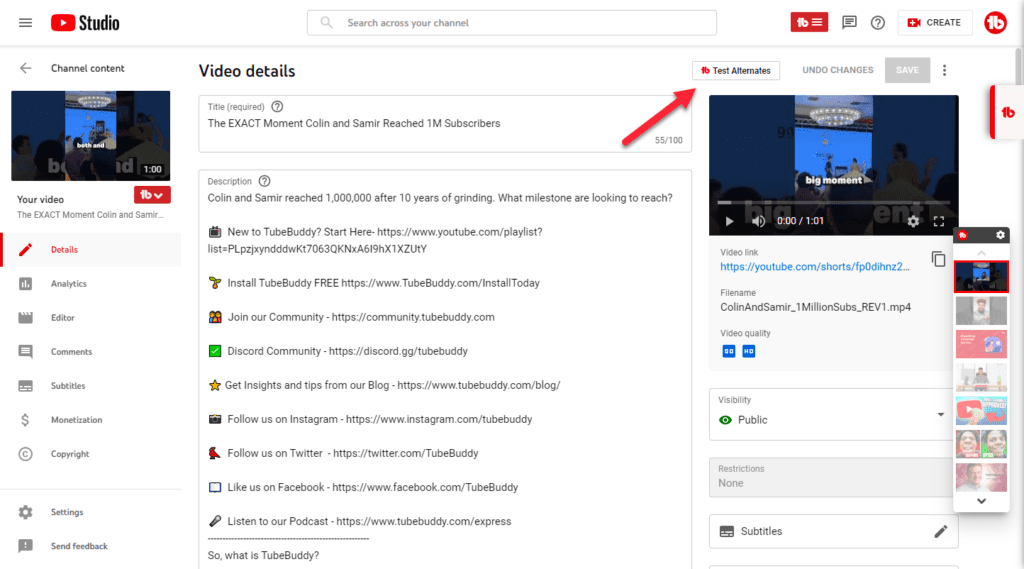
TubeBuddy’s A/B testing tool is one of its clearest differentiators from vidIQ. You can test multiple versions of a thumbnail, title, description, or tags against each other then see and act on the data in one tool. TubeBuddy A/B testing shows variations of whatever you’re testing to your audience and tracks performance before the winner is selected and becomes what all viewers see. For creators who want data-backed decisions on their creative choices, this is hard to replicate elsewhere. You can also learn more about how to use A/B testing on YouTube in our dedicated guide.
TubeBuddy’s AI Title Generator takes a set of keywords and returns several title options ranked by search volume and competition. It saves time on ideation and feeds directly into A/B tests, so you can move from “what should I call this video?” to “which of these five titles gets more clicks?” in one workflow.
Best Time to Publish
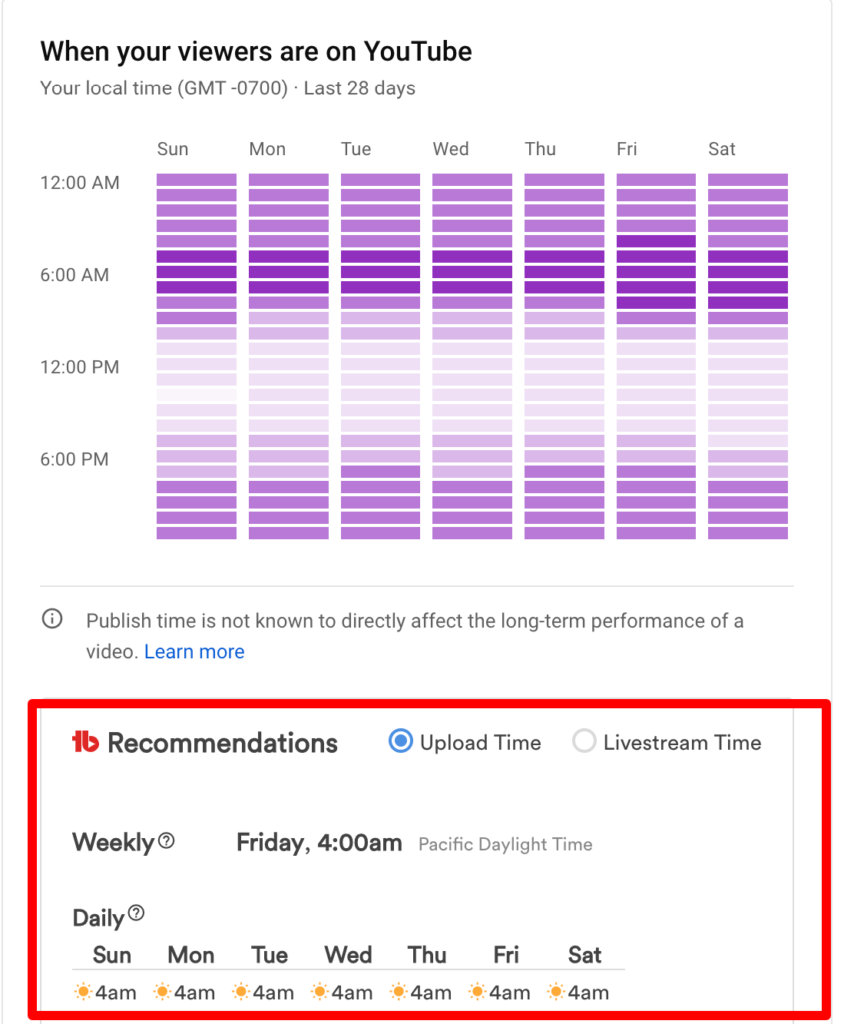
The best time to post on YouTube is the subject of much speculation. And there is no silver bullet solution; it varies with viewer location, niche, subject matter, the type of video, and so much more. TubeBuddy’s Best Time to Publish feature cuts through the noise. It uses your channel’s own engagement history to recommend upload times when your audience is most active. Rather than going by general advice, you’re scheduling based on when your specific viewers actually show up. It works just as well for live streams. Knowing how and when your audience watches allows you to pick the perfect time to stream instead of guessing.
Retention Analyzer
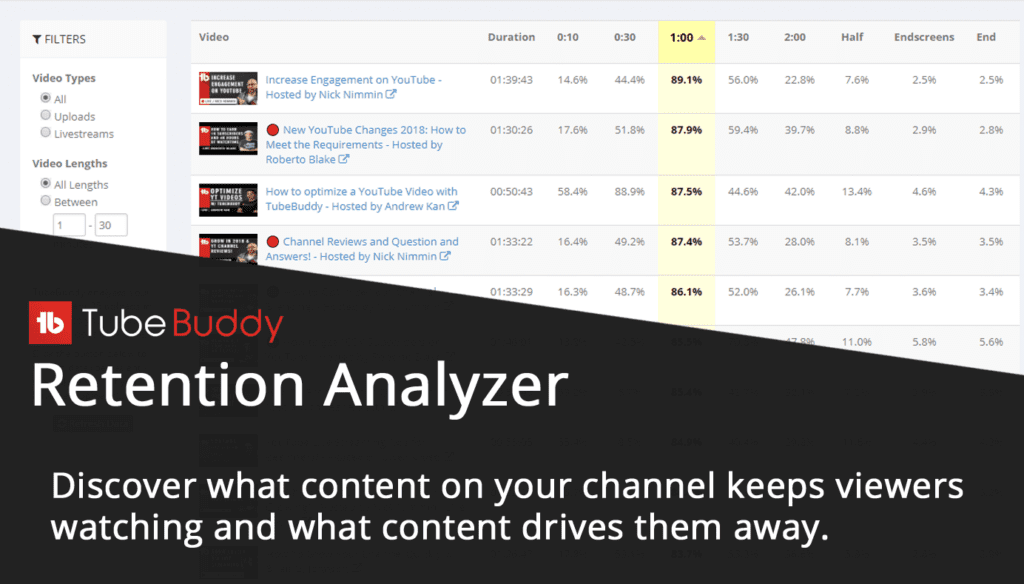
The Retention Analyzer shows you where viewers drop off in your videos — which moments keep people watching, and which ones send them away. It’s the kind of data that changes how you structure your scripts and edit your content. vidIQ doesn’t offer this natively. It’s one of the main reasons we hear from creators about why they choose to switch.
If improving audience retention is a priority (as it should be) our guide on how to increase audience retention on YouTube is worth reading in the context of this tool.
Auto Translator helps you reach international audiences
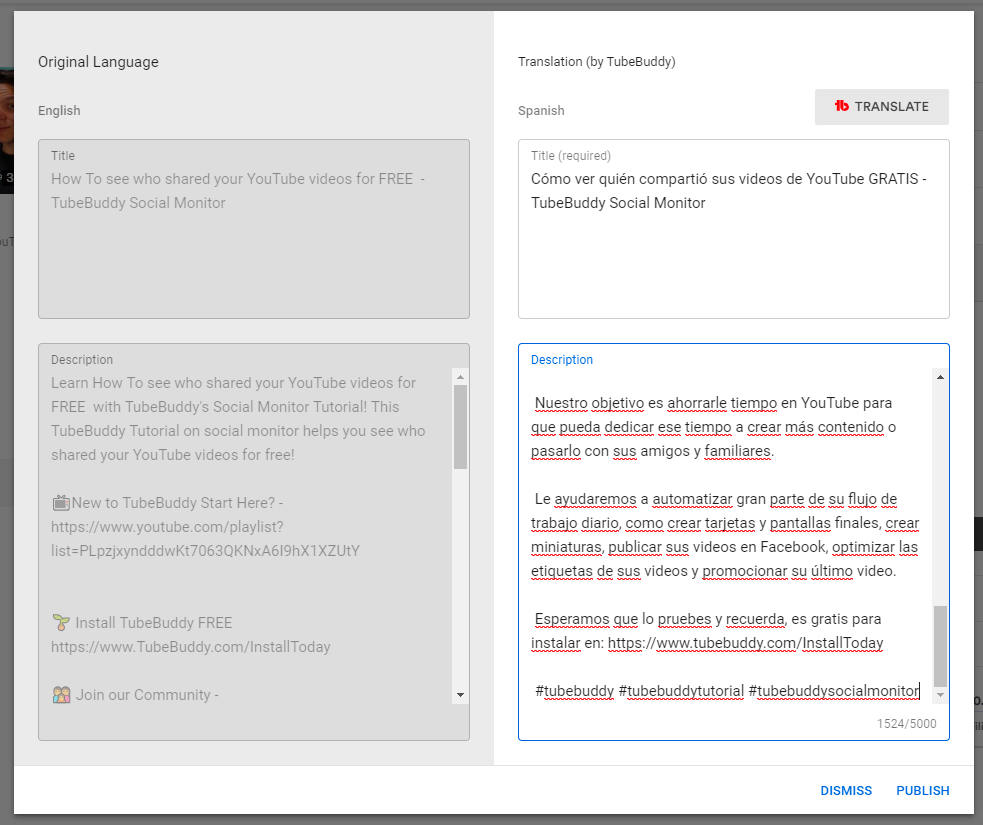
TubeBuddy’s Auto Translator and Tag Translator features let you publish your video metadata — titles, descriptions, and tags — in multiple languages without doing the translation manually. If you’re trying to grow a global audience, it’s a straightforward win: your videos become discoverable to viewers searching in their own language.
Brand Alerts help you keep track of channel mentions
TubeBuddy’s Brand Alerts feature monitors YouTube for new content mentioning your brand or channel — videos, playlists, and channels alike. It gives you a more complete picture of the conversation around your brand than vidIQ’s alert system, which is narrower in scope.
TubeBuddy pricing
TubeBuddy has two paid plans for creators:
- Pro: $12/mo (annual) — $15/mo (monthly)
- Legend: $26.39/mo (annual) — $32.99/mo (monthly)
See the full pricing breakdown.
Morningfame is a straightforward, low-cost keyword and optimization tool built specifically for YouTube creators. It doesn’t try to do everything, which makes it approachable, especially if you’re earlier in your channel journey and want guidance without a steep learning curve.
Morningfame’s Keyword Explorer helps you find high-performing keywords and track them over time. It also shows competitor channel data — views, likes, comments, subscriber counts — which is useful for benchmarking your content against others in your niche.
Morningfame’s main features
- Topic search: Uses data to surface video ideas based on your interests and flags whether a topic is better suited to larger or smaller channels. Helps you decide if an idea is worth filming before you invest the time.
- Keyword research: Enter a seed phrase or a top-performing video URL to get keyword suggestions. Useful when you’re new to a topic or want to understand why a competitor’s video is ranking well.
- Video optimization: Lets you edit your video’s metadata — title, description, and tags — directly in the platform. Worth noting: Morningfame doesn’t offer A/B testing or retention analysis, so if those are central to your workflow, you’ll need to supplement with another tool.
Morningfame pricing
Morningfame signup requires an invitation from an existing user. Plans start at $4.90/mo (monthly) or $3.90/mo (annual). See full pricing here.
3. tubics — Best for enterprise YouTube channels
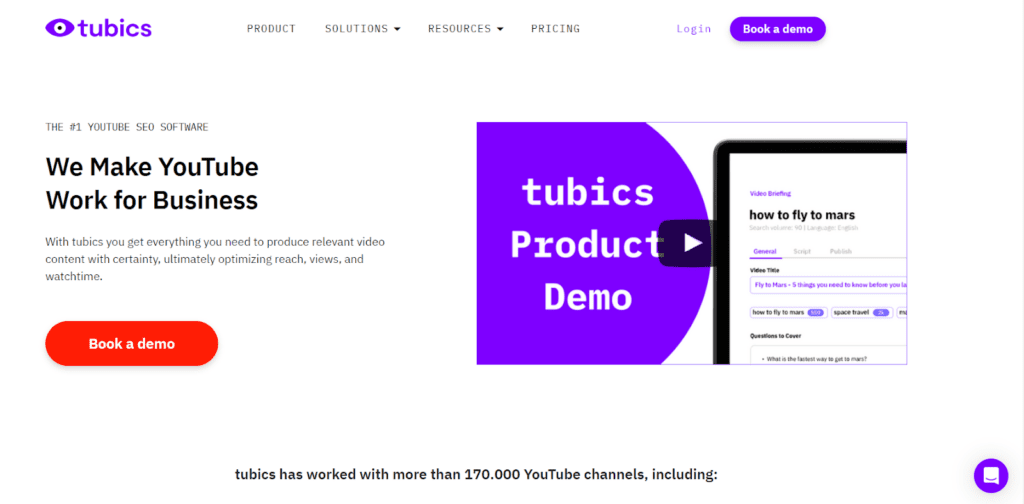
tubics is built for businesses that treat YouTube as a marketing channel rather than individuals building a personal brand. Its dashboard and optimization workflows are designed for teams, and the pricing reflects that. Starting at $99/mo, it’s aimed at organizations that need structured reporting and accountability rather than a solo creator looking for a browser extension.
tubics’ main features
- Topic research: Enter keywords and tubics returns topic ideas ranked by search volume, projected monthly views, competition density, and Google ranking probability. Useful for content teams that need to justify video investments with projected performance data.
- Optimization: A tag generator gives you suggested tags, titles, and descriptions based on keyword research and competitor analysis — taking most of the manual work out of metadata.
- Reporting: tubics integrates with Google Search Console, which most similar tools don’t. Users who connect their GSC account receive weekly insights on improving their YouTube videos’ visibility in Google search results, not just YouTube search.
tubics pricing
Plans start at $99/mo, with a 7-day trial available for $7.
4. Vudini — Best for local SEO on both Google and YouTube
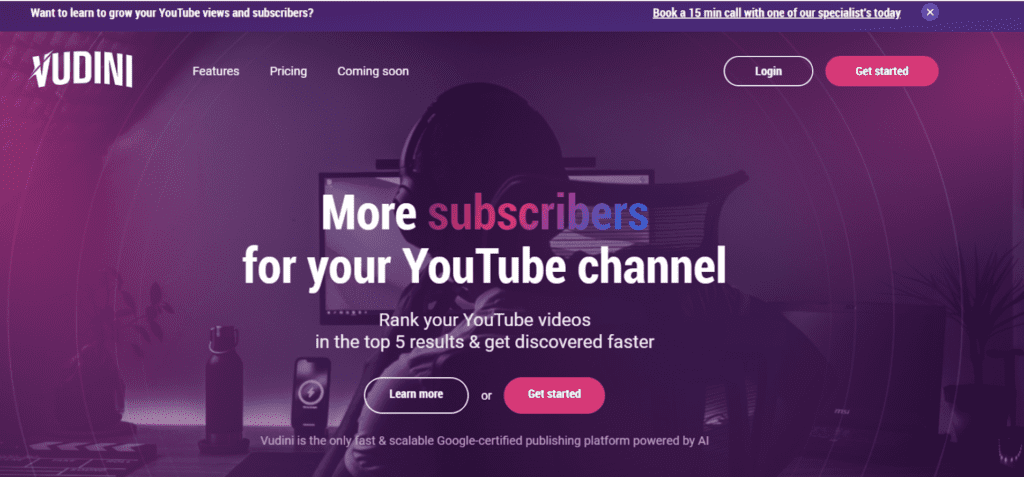
Vudini targets creators and brands that want their videos to rank on both YouTube and Google, with a particular focus on local discoverability. If you’re running a location-based business and publishing videos that should surface in local search results, Vudini is one of the few tools designed with that use case in mind. It uses machine learning to analyze video metadata, predict performance, and surface suggestions for improvement.
Vudini’s main features
- Content optimization: Handles cross-platform optimization automatically, adjusting content for performance across different channels without manual tweaks for each one.
- Geo-targeting: Lets you tag videos by location so they’re more discoverable by viewers in a specific area. Including location data in your metadata increases visibility in local search results.
- AI title and description generator: Vudini’s RankAI tool analyzes your keywords and generates optimized titles, descriptions, and tags aimed at ranking on both Google and YouTube.
Vudini pricing
Three subscription plans ranging from $9/mo to $199/mo.

Tubular Labs is an analytics and audience measurement platform built for large brands, media companies, and agencies — not individual creators. The feature set and pricing are designed for teams that need to track performance across large content libraries and run competitive intelligence at scale. It’s an ideal vidIQ alternative if your use case is closer to “media company with a YouTube strategy” than “creator growing a personal channel.”
Tubular Labs’ main features
- Video intelligence: Create custom dashboards, lists, and reports around the metrics that matter most to your organization. The video ratings feature measures views and engagement within specific timeframes post-upload for an unbiased read on performance.
- Audience intelligence: The “Audience Also Watches” feature shows what else your audience is watching, helping identify content opportunities and viewing patterns. You also get demographic data — age, gender, location — to understand who’s actually in your audience.
- Creator comparison: Filter and compare creators by upload date, performance, and other attributes. Useful for agencies vetting influencers or media companies benchmarking against competitors.
Tubular Labs pricing
Not publicly listed. Request a demo here.
6. CRAIDE — Best for free tag generation and extraction
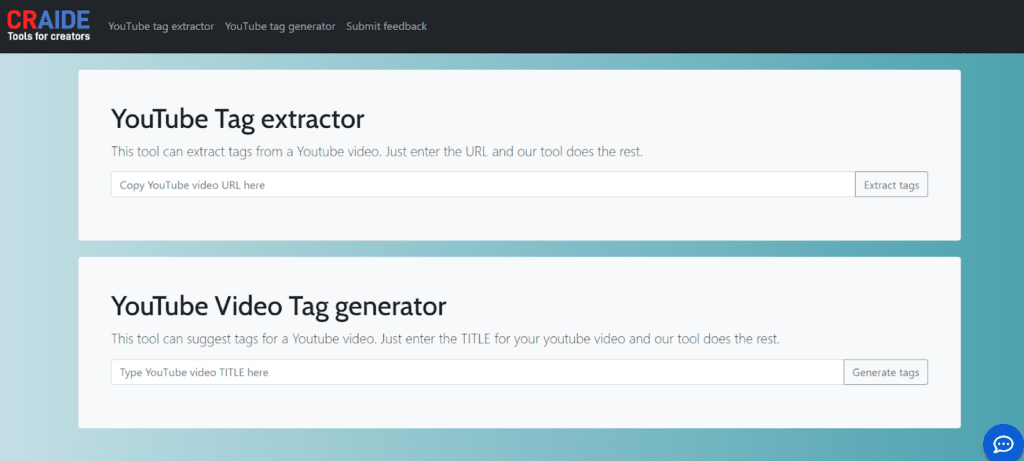
CRAIDE offers two free online tools for YouTube SEO — no account required. They’re simple and limited, but if tag research is your only gap and you don’t want to pay for a full platform, they get the job done.
Tag Generator — Generates SEO-optimized YouTube tags and keywords based on your video topic.
Tag Extractor — Reveals the hidden meta tags on any public YouTube video. Useful for competitive research: find a video that’s ranking well, pull its tags, and see what they’re targeting.
CRAIDE pricing
Free, with no sign-up required.
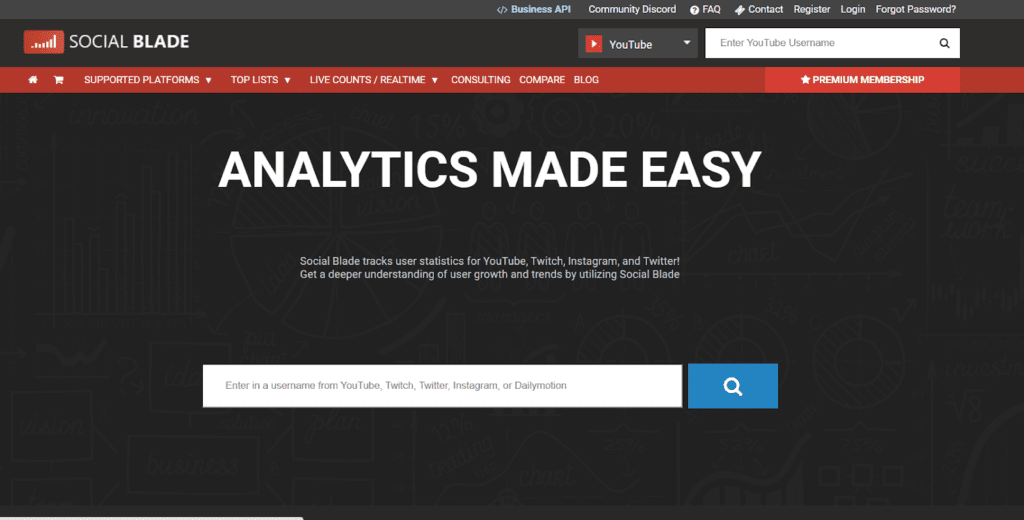
SocialBlade is worth considering if you’re tracking performance across multiple social accounts and want everything in one view. It’s useful for analytics — but be clear about what it is and isn’t: SocialBlade doesn’t offer optimization tools for YouTube channels. You can see how you’re doing; it won’t tell you how to improve.
For YouTube specifically, SocialBlade tracks subscriber counts in real time, lets you compare with up to three competing channels, and displays estimated earnings, daily data points, and future projections in both raw and graph formats.
Social platforms currently covered:
- YouTube
- TikTok
- Trovo
- Twitch
- StoryFire
- Dailymotion
- DLive
- Mixer
SocialBlade pricing
No free version. Four plans — Bronze, Silver, Gold, and Platinum — ranging from $3.99/mo to $99.99/mo.
TubeBuddy: the best all-around YouTube optimization extension
TubeBuddy is the only tool on this list that handles keyword research, bulk editing, A/B testing, and retention analysis without requiring multiple subscriptions. For individual creators who want a genuine upgrade from vidIQ, not just a different interface, it covers the widest ground:
- Comprehensive keyword search, analytics, and tag suggestions
- Bulk processing tools — descriptions, comments, and metadata — across your entire channel
- A/B testing for thumbnails, titles, end screens, and more
- Built-in retention analysis to identify exactly where viewers are dropping off
- A Shorts suggestion tool that finds Shorts opportunities within your most popular existing videos
- And much more
Get an unfair advantage on YouTube
Give your YouTube channel the upper hand and easily optimize for more views, more subs, and more of every metric that matters.
Get Started
FAQ
CRAIDE is the only fully free option on this list — its tag generator and tag extractor tools require no account and no payment. For a more complete free tier, both TubeBuddy and Morningfame offer free plans with limited access, letting you test the tools before committing to a paid subscription.
TubeBuddy has several features vidIQ doesn’t offer natively, including A/B testing for thumbnails and titles, built-in retention analysis, and extensive bulk processing tools. For creators who want to test and optimize their content — rather than just research keywords — TubeBuddy tends to be the stronger fit. For the full feature-by-feature breakdown, see our TubeBuddy vs VidIQ comparison.
The three most significant gaps are native A/B testing (TubeBuddy has this; vidIQ doesn’t), in-tool retention analysis (TubeBuddy includes it; vidIQ sends you back to YouTube Studio), and bulk metadata editing (TubeBuddy’s bulk tools handle this; vidIQ’s options are limited by comparison).
For creators who primarily need keyword research and basic optimization guidance, Morningfame is a solid and affordable option — especially at $3.90/mo on an annual plan. It’s not the right fit if you need A/B testing, retention analysis, or bulk tools, so the answer depends on which of vidIQ’s features you were actually using.
TubeBuddy is the most cost-effective full-featured option for small channels. Creators can access some powerful YouTube growth tools and try out more advanced tools in the TubeBuddy Free tier before optionally upgrading to TubeBuddy Pro or Legend. If budget is the primary constraint, Morningfame (from $3.90/mo annually) and CRAIDE (free) are reasonable choices.